
0. Preface
Previously, the domain name of the website was Starxn's shared second level domain. Although it was free, it has been blocked in domestic browsers and WeChat, making it inaccessible. Considering the public nature of my personal blog, after hesitating for an afternoon, I placed an order for the vblg.top domain and underwent a difficult (not) migration.
1. Purchase
My personal experience is: if you want to operate this website for a long time, don't look at the first year price! It depends on the renewal price! Ordering in the first year is so exciting, but renewing in the second year is so miserable. I personally recommend namesilo The. top domain name, under normal circumstances, costs $1.88 in the first year, with a renewal fee of $4.88, equivalent to approximately RMB 14/35

Now most foreign websites also support Alipay payment without visa card.
2. DNS server transfer
Why choose CloudflareI think it goes without saying, which free domain hosting service is stronger than Cloudflare?
The migration process is simple, just register the domain name on Cloudflare Dashboard now and update the NS server according to the instructions. Due to the unavailability of Cloudflare Free's CDN in mainland China and the excellent network environment of Starxn virtual hosting, I have decided not to use Cloudflare CDN service and only perform CNAME resolution.

(Enabling proxy for root domain name is to configure redirection, which will be explained below)
3. From the root domain name to the WWW subdomain
Due to the transition from a subdomain to a top-level domain and the root domain not supporting CNAME resolution, it is necessary to redirect requests from the root domain to the WWW subdomain.
Enable proxy for the root domain name, create a new redirect rule in the Cloudflare management interface, and select the template application to redirect the root domain name to the WWW subdomain.
Attempting to access the website again using the root domain and automatically redirecting to the WWW subdomain is considered successful.
4. DNSSEC
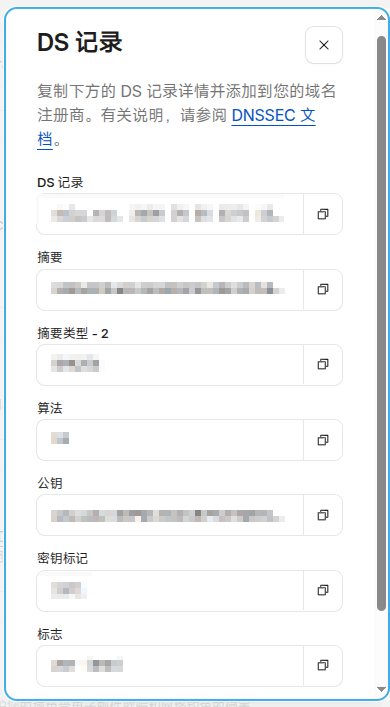
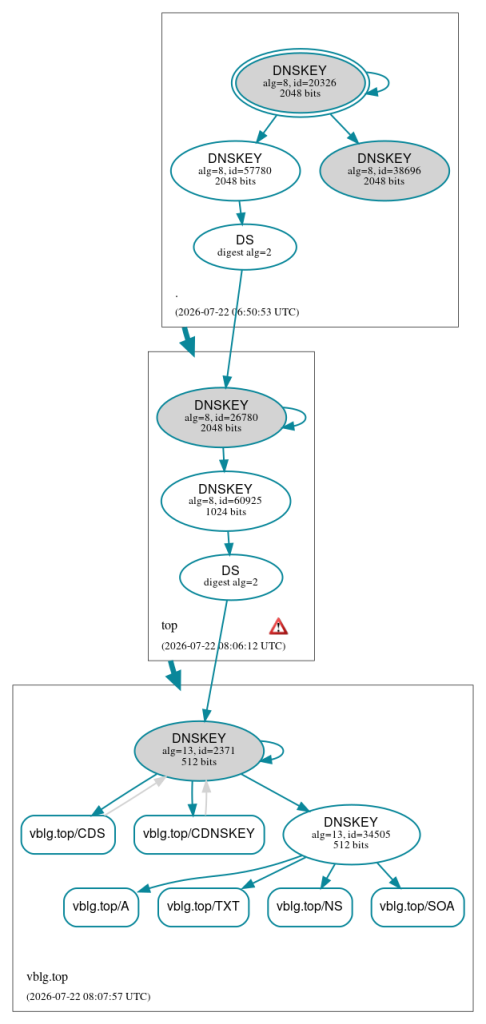
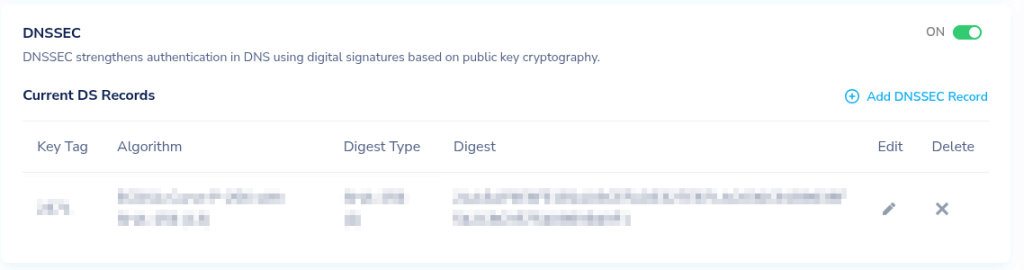
DNSSEC is an encryption technology that can prevent users from being directed to the wrong website, in layman's terms, it is to prevent being directed to the National Anti Fraud Center after being blocked. Click on Enable DNSSEC in Cloudflare DNS settings and copy the generated DS records to the registrar.
The setting takes about a few minutes to take effect and can be used DNSVis Check if the configuration is successful.
5. Add domain name to virtual host
The simple process is to add a WWW domain name inside the virtual host
6. SSL
Due to the change in domain name, a new SSL certificate application is also required.
7. WordPress backend
I thought WordPress used relative paths and only needed to update the site address in the settings. Later, while browsing the article, I realized that the uploaded images were suddenly inaccessible. You need to use the 'As HTML Editor' feature of the article editor to change the src of the image to a new domain name before saving and publishing.
A more convenient method
Attention: Please backup before operating the database!!!
You can directly export the MySQL database, use Ctrl+F to batch change the original domain name to a new domain name, and then upload it to MySQL
Update OAuth return link (if any)
For websites that have configured OAuth (such as Github login and WeChat login), it is necessary to update the callback link in the corresponding backend in order to use it normally.
8. Update sharing link
If you have sent website links to others elsewhere, don't forget to update them.
Tool recommendation
- itdogWebsite access speed test, DNS resolution query tool, can query the progress of DNS updates in different regions to prevent DNS lag
- DNSVisAs described in the article, check if DNSSEC has been successfully configured
- Browser privacy mode: can simulate new user access to prevent website content lag caused by browser caching